How to Rank Every Franchise Location on Google (2026 Guide)

If you own or operate a franchise, you’ve probably noticed something frustrating: one of your locations shows up everywhere on Google, while another — same brand, same services, same prices — is invisible. That’s not bad luck. It’s how local search works.
Google doesn’t rank your franchise as one business. It ranks each location as its own business, competing in its own city against every local rival. The location that wins has its own optimized Google Business Profile, its own page on your website, its own reviews, and its own local reputation. The location that loses usually shares a generic page with every other branch and hopes the brand name carries it.
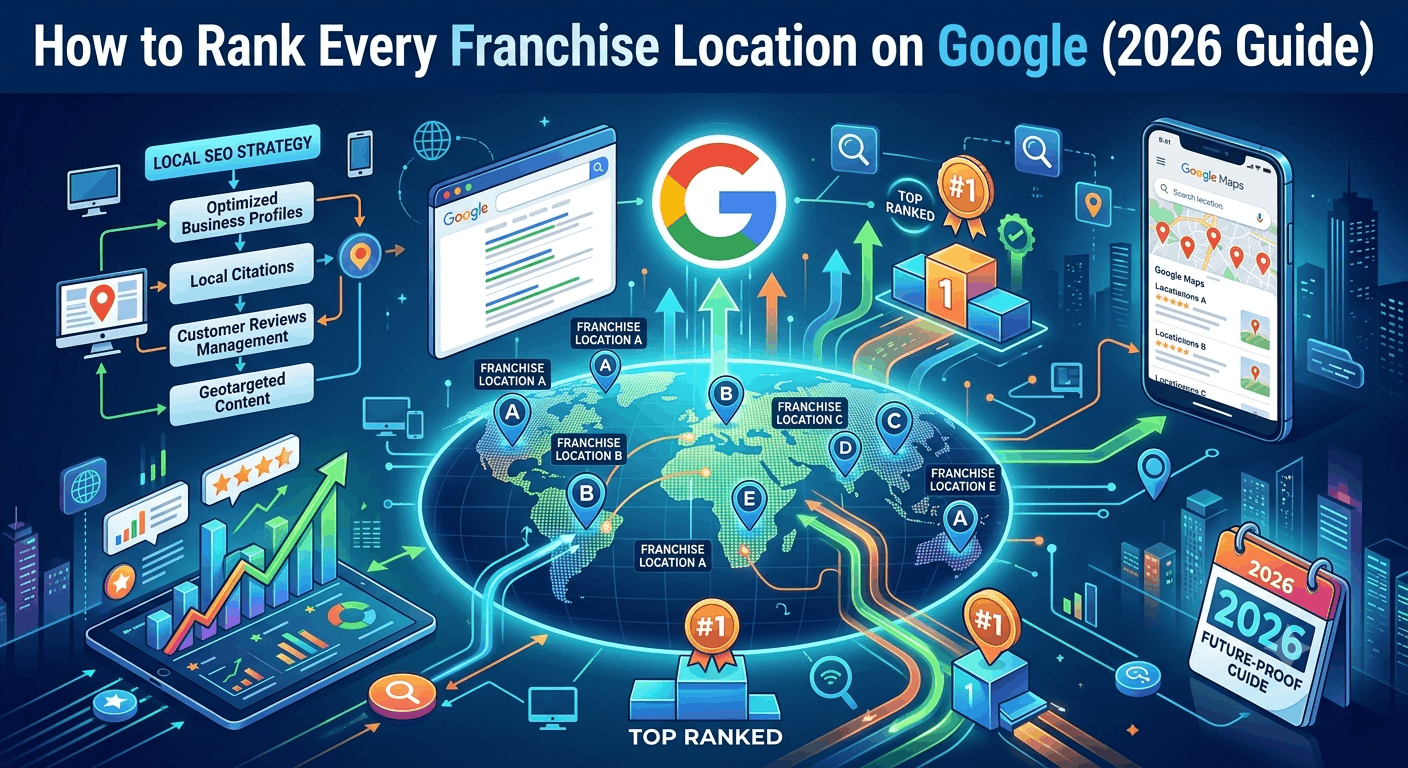
The good news: ranking every location follows a repeatable system. In this guide, you’ll learn the exact steps — from Google Business Profiles and location pages to reviews, citations, and local links — plus how to keep it manageable when you have 5, 50, or 500 locations.
Why Franchise Local SEO Is Different
Franchise local SEO (also called multi-location SEO) is the practice of getting each individual location to rank in Google’s local results — the map pack and the standard organic listings — for searches in its own service area.
Three things make it different from ordinary SEO:
- Every location is a separate competitor. Your Denver location competes in Denver. Your Austin location competes in Austin. A strong brand helps, but it doesn’t override weak local signals.
- Duplicate content is a constant risk. Ten locations with identical page copy tell Google nine of those pages add nothing. Google’s helpful content guidelines reward pages made for people in a specific place, not templated filler.
- The rewards are concentrated at the top. Businesses that appear in Google’s local 3-pack receive dramatically more clicks and calls than those ranked just below it — some studies report over 100% more traffic. Second page might as well be invisible.
Google ranks local results on three factors: relevance (how well you match the search), distance (how close you are to the searcher), and prominence (how well-known and well-reviewed you are). You can’t move your building, so this guide focuses on maximizing relevance and prominence for every location.
Step 1: Claim and Optimize a Google Business Profile for Every Location
Your Google Business Profile (GBP) is the single most important local ranking factor. Every physical location that serves customers face-to-face qualifies for — and needs — its own profile.
Here’s the optimization checklist for each location:
- Verify every profile. Unverified profiles rarely rank. Use the Google Business Profile manager and, for 10+ locations, request bulk verification via a spreadsheet upload.
- Use the real-world business name. “Anytime Fitness” — not “Anytime Fitness | Best Gym in Plano TX.” Keyword stuffing in the name violates Google’s guidelines and can get the profile suspended.
- Choose the most specific primary category. “Pizza restaurant” beats “Restaurant.” The primary category is one of the strongest ranking signals you control.
- Complete every field. Hours (including holidays), phone, website link, services, products, attributes, and description. Point the website field to that location’s unique page — never the homepage.
- Add photos monthly. Real photos of that location — storefront, interior, team, work examples. Profiles with fresh photos get more clicks and direction requests.
- Use Google Posts. Weekly offers, events, and updates signal an active business.
- Answer Q&A. Seed common questions (“Do you take walk-ins?”) and answer them before a stranger does.
A local phone number for each location, rather than one national call center number, strengthens the local signal and builds customer trust.
Step 2: Build a Unique Location Page for Every Branch
If your website has one “Locations” page listing 40 addresses, you’re asking one URL to rank in 40 cities. It won’t. Each location needs its own page at a clean URL, such as:
yourbrand.com/locations/austin-tx/
What every location page must include
- Name, address, phone (NAP) — matching the Google Business Profile exactly
- An embedded Google Map and written driving directions or nearby landmarks
- Hours of operation for that specific branch
- Unique local content — the manager’s name and photo, staff bios, community involvement, local awards, neighborhoods served
- Location-specific reviews and testimonials from real customers of that branch
- Photos of that actual location, not brand stock imagery
- A clear call to action — call, book, get directions, order online
- LocalBusiness schema markup (more on this below)
How to avoid the duplicate content trap
Use a consistent template for layout, but make at least 40–50% of the copy genuinely unique per page. The easiest way: answer questions only that location can answer. What’s parking like? Which high school is around the corner? What do customers in this city ask for most? A franchisee can supply this in a 15-minute interview — and that firsthand detail is exactly the “experience” signal Google’s E-E-A-T framework rewards.
Add LocalBusiness schema to every page
Schema markup is code that tells Google exactly what each page represents. Industry surveys suggest only about a third of local business sites implement it correctly, so this is still a real competitive edge. Each location page’s JSON-LD should include business type, name, full address, geo coordinates, local phone, URL, and opening hours (example in the schema section below).
Step 3: Get Reviews Flowing at Every Location — Not Just Your Best One
Reviews drive both rankings and clicks. Businesses with 50+ Google reviews earn significantly more clicks from local results than those with fewer than 10, and Google treats steady review velocity as a signal of an active, trusted business.
The franchise problem is uneven distribution: your flagship has 400 reviews while the new branch has 6. Fix it with a system:
- Make asking part of the workflow. Train staff at every location to request a review at the moment of peak satisfaction — job completed, meal finished, problem solved.
- Use the direct review link. Every GBP has a shareable review URL. Put it in receipts, follow-up texts, and email signatures. QR codes at the counter work well for walk-in businesses.
- Respond to every review within 48 hours — positive and negative. Responses signal engagement to Google and to the 90%+ of consumers who read them.
- Never buy or incentivize reviews. Paid or gated reviews violate Google’s policies and can get profiles suspended. Volume from a real system beats shortcuts every time.
- Track review counts by location monthly and coach the laggards.
Step 4: Nail NAP Consistency and Local Citations
A citation is any online mention of your location’s name, address, and phone number — Yelp, Apple Maps, Bing Places, Facebook, industry directories, the local chamber of commerce.
Consistency is the whole game. If one directory says “Suite 200” and another says “Ste. 2,” and a third has the old phone number, Google’s confidence in that location’s data drops — and rankings drop with it.
For franchises, the priority list looks like this:
- Tier 1: Google Business Profile, Apple Business Connect, Bing Places, Yelp, Facebook
- Tier 2: Industry-specific directories (TripAdvisor for restaurants, Healthgrades for clinics, Houzz for home services)
- Tier 3: Local directories — chamber of commerce, city business associations, local news sites
Managing this manually across 30 locations is painful. Tools like Yext, BrightLocal, Moz Local, and Semrush’s listing management push consistent NAP data to dozens of directories at once and flag inconsistencies. For most multi-location owners, this is money well spent.
Step 5: Build Local Authority for Each Location
Prominence — how well-known each location is — comes largely from links and mentions on other local websites. This is where franchises can beat national chains, because authority has to be earned locally:
- Sponsor local teams, events, and charities. A Little League sponsorship usually comes with a link from the league’s website — one of the most natural local links there is.
- Join the chamber of commerce in each city. Membership listings are quality citations and links.
- Pitch local news. Grand openings, anniversaries, charity drives, and hiring pushes are all local-news-worthy.
- Partner with neighboring businesses. Cross-promotions often produce mentions and links from each other’s sites and social pages.
- Encourage franchisee social activity. Location-level Facebook and Instagram pages that post real local content reinforce that each branch is a living local business — and increasingly get cited in AI-generated search answers too.
Centralized vs. Localized: How to Split the Work
The biggest operational question in franchise SEO is who does what. Here’s the split that works:
| Task | Corporate (centralized) | Franchisee (local) |
|---|---|---|
| Website, templates, schema | ✅ | — |
| GBP setup and monitoring | ✅ | — |
| GBP photos and posts | — | ✅ |
| Unique location page content | Editing/QA | Raw local input |
| Review responses | Guidelines/templates | ✅ |
| Local sponsorships and links | Budget/approval | ✅ |
| Citation management | ✅ (via tools) | — |
| Rank and review tracking | ✅ | Receives reports |
Centralize the infrastructure; localize the voice. Corporate keeps data clean and consistent; franchisees supply the photos, community involvement, and firsthand detail that no head office can fake.
How to Measure Success (Per Location)
Track these monthly, per location — never as a brand-wide average, because averages hide your weakest branches:
- Local pack rankings for your top 3–5 keywords in each city (BrightLocal and Semrush track this at scale)
- GBP performance: calls, direction requests, website clicks (in the GBP dashboard)
- Review count, average rating, and response rate
- Organic traffic to each location page (Google Analytics 4 + Search Console)
- Conversions: bookings, form fills, calls per location
Expect meaningful movement in 3–6 months for newer or previously neglected locations. Local SEO compounds — the locations you fix first will pull ahead and stay ahead.
FAQ
How long does it take to rank a franchise location on Google?
Typically 3–6 months for noticeable local pack movement, assuming a verified Google Business Profile, a unique location page, and steady reviews. Competitive metros and brand-new locations can take longer.
Should every franchise location have its own website?
No. One brand website with a unique, optimized page per location is best practice. Separate microsites split your authority, multiply maintenance costs, and often create duplicate content problems.
Can two locations in the same city both rank?
Yes. Google ranks by proximity to the searcher, so two branches across town serve different map results. Give each its own GBP, its own page, and clearly distinguish them (e.g., “Downtown” vs. “North Austin”).
What’s the biggest mistake franchises make with local SEO?
Templated location pages with nothing local on them. Google’s helpful content guidance rewards pages made for people in a specific place. Pages that swap only the city name rarely make the map pack.
Do I need an agency or can I do this in-house?
Under ~10 locations, an organized owner can handle it in-house with a listings tool (BrightLocal, Moz Local, or Yext). Beyond that, most franchises either hire a dedicated in-house resource or a multi-location SEO agency — the workload scales linearly with location count.
Conclusion: Fix One Location, Then Systematize
Ranking every franchise location on Google comes down to five repeatable moves: a fully optimized Google Business Profile per location, a genuinely unique location page, a review system that runs at every branch, clean and consistent citations, and locally earned links.
Start with your weakest location. Run the full checklist on it, measure for 90 days, then roll the same playbook across the network. Local SEO rewards the franchise that treats every location like its own local business — because in Google’s eyes, that’s exactly what it is.